Helpmonks in 2019: the year in review

Helpmonks in 2019: the year in review

2019 was an outstanding year for the Helpmonks email platform. I’ll take you on a short journey to highlight some of the most notable features and enhancements that arrived for Helpmonks in 2019;

An enhanced Dashboard

At the start of 2019, we’ve introduced a new way for our customers to work with emails. The new Dashboard enabled a new and unique view into the email conversations, independent of the mailbox. Furthermore, the new Dashboard allowed for additional panels

New in Helpmonks: Set where to go next for actions

New in Helpmonks: Set where to go next for actions

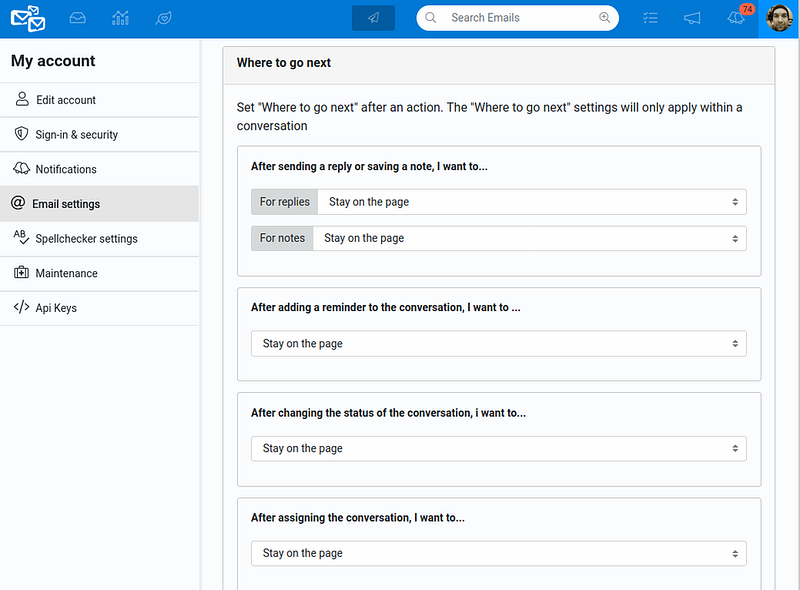
Navigating your emails in your Helpmonks shared inbox just became more comfortable — you can now determine “Where to go next” after an action, e.g., set a reminder and stay on the page, or assign the conversation and go back to the email list.

Previously we’ve had the option to set “where to go next” only for when you reply to a conversation. Now, we’ve extended this functionality to the actions as well.

You can set the “where

Coming soon: To-Dos Manager in Helpmonks

Coming soon: To-Dos Manager in Helpmonks

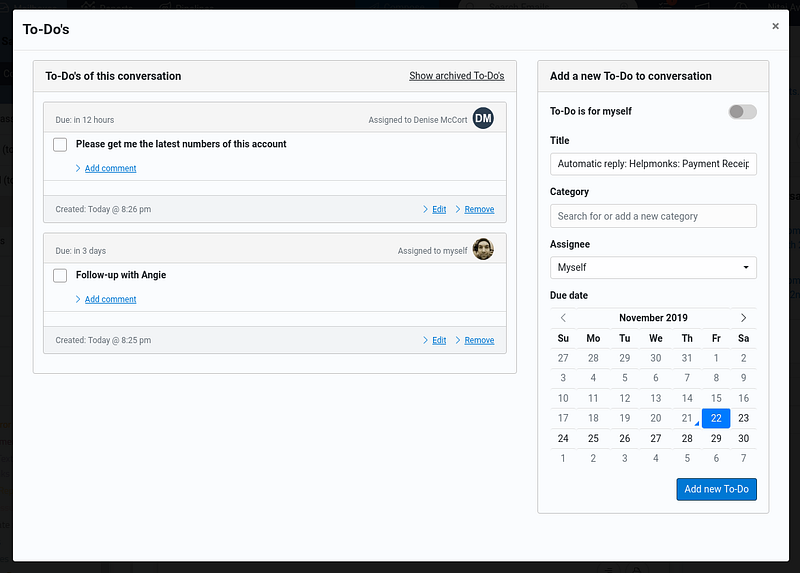
Here is a quick sneak peek of the To-Dos manager that is coming real soon to your shared inbox in Helpmonks.

The To-Dos Manager is something that I’m personally very excited about as it will allow our customers another alternative to collaborate with their team. Additionally, an email conversation can stay assigned to stakeholders as To-Do are assigned to particular team members.

The Helpmonks To-Do Manager can also be used to create private To-Dos

Options for the Spellchecker

Options for the Spellchecker

While we have been quite busy during the summer months and implemented quite a lot of changes for your shared inbox, we spent way too little time informing you about our progress (pro tip: You can get real-time updates on the Helpmonks Roadmap). While we plan to write more, here is the latest enhancement.

As of this weekend, you can change several options of the Spellchecker. Options range from how the Spellchecker should check your message, e.g., to

New in Helpmonks: Dark theme and updated mailbox customization

New in Helpmonks: Dark theme and updated mailbox customization

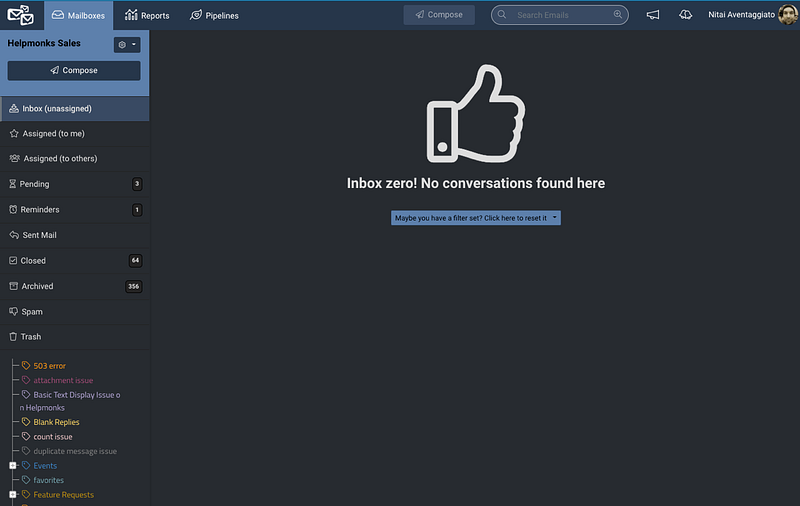
In this hot weather, we all need a bit of coolness. Therefore, we are excited to announce that Helpmonks has now an excellent Dark theme option.

We’ve done a lot of small tweaks and design enhancements to make the Dark theme work with the existing design. The result is that, whether you use the “Light” or the new “Dark” theme, it beautifully fits the application in all aspects.

Not only have we added a new Dark theme, but also

Helpmonks Release Notes July 2019

Helpmonks Release Notes July 2019

Despite, the excessive heatwave, we released a lot of new features and updates to make your experience for your shared inbox even better. Notably, the most exciting update in July was the release of the Helpmonks Progressive Web App (PWA). Among other enhancements, we added a “Do not disturb” option, new filters for Notifications, updated loading animation, and Helpmonks in Dutch!

The Helpmonks Progressive Web App (PWA)

While we already outlined the benefits of the Helpmonks PWA. In case

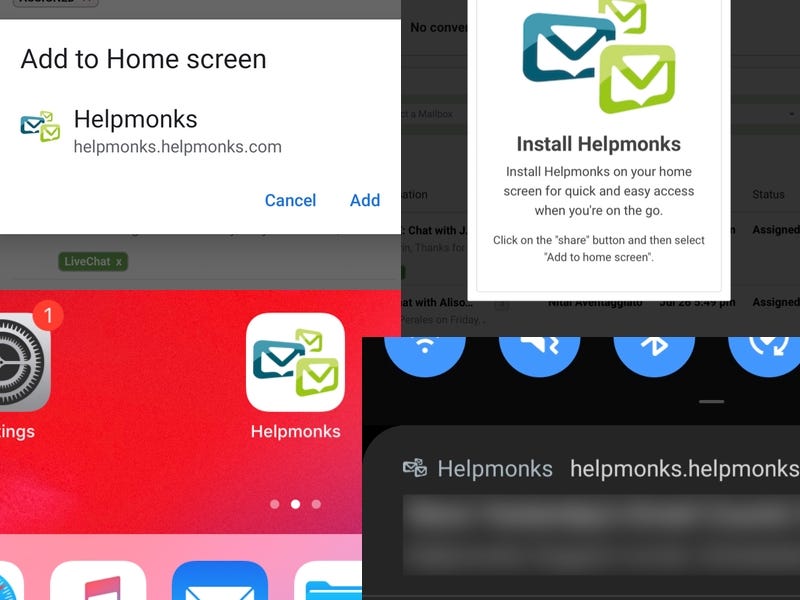
The Helpmonks PWA is here

The Helpmonks PWA is here

We are incredibly excited to announce that the Helpmonks Progressive Web Application (PWA) is now available. The Helpmonks PWA “installs to your home screen” on mobile devices, installs as an “application” on all operating systems, and allows for native notifications.

However, before you go about “installing” the Helpmonks PWA, we want you to be aware of how PWA’s work and their limitations. PWA’s are a type of mobile app delivered over the web and are built using standard

Helpmonks Release Notes June 2019

Helpmonks Release Notes June 2019

Summer is in full swing, and we’ve focused on refining some areas in Helpmonks. Most notable we’ve made enhancements on how we handle attachments, i.e., you can now upload multiple attachments at the same time, and attachments gained previews and a new interface.

Upload multiple attachments

One of the most requests enhancements to our editor was the capability to upload several attachments at once. Hence we are happy to say that we finally have this option available.