Updated editor for your emails

Updated editor for your emails

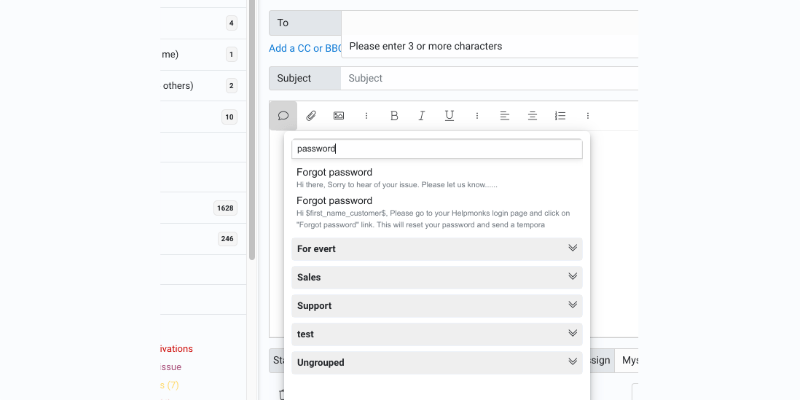
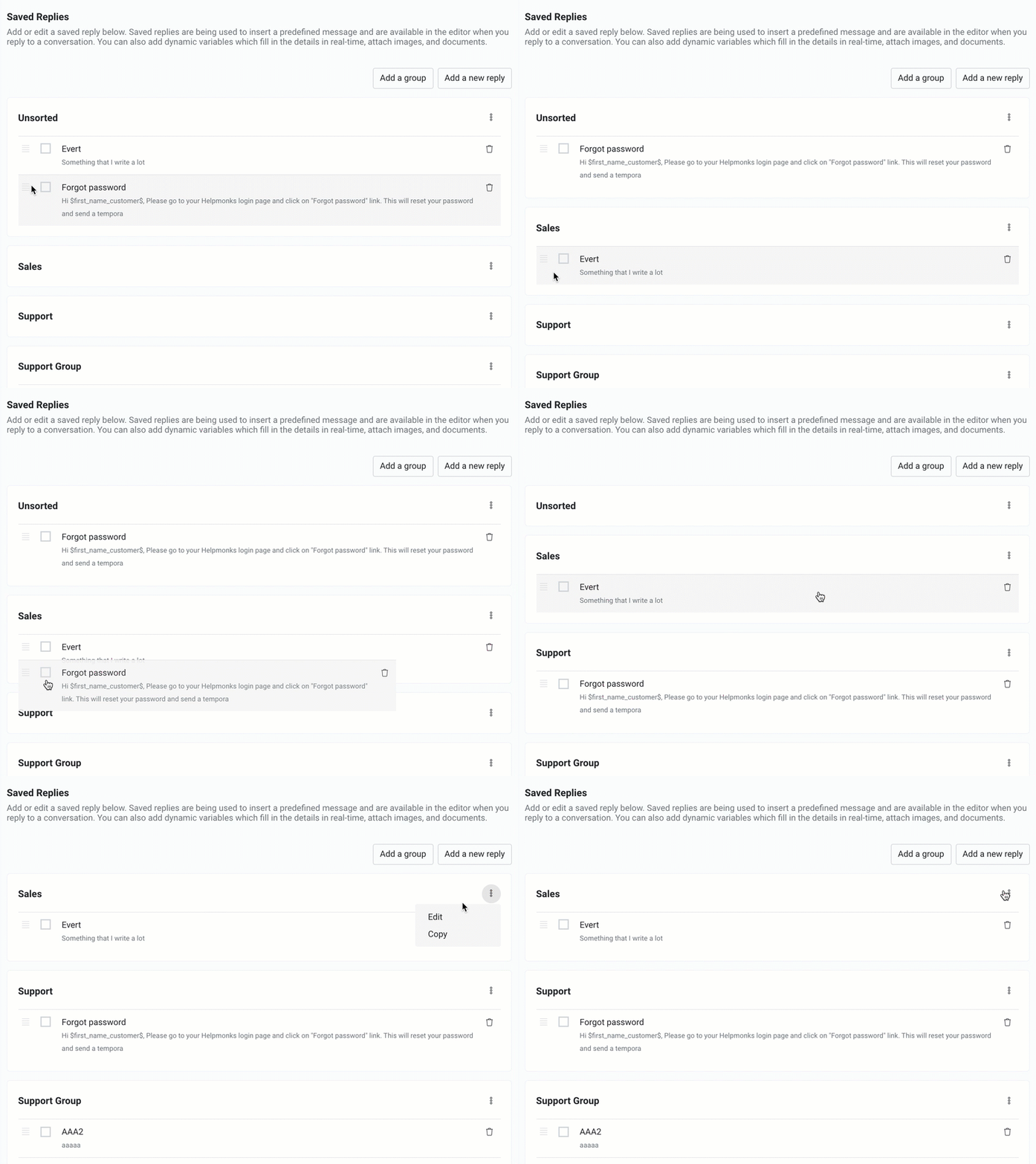
With today’s update, we are releasing a brand new version of our editor. The editor brings faster performance, an optimized interface, and our new saved replies search and grouping feature.

The first thing you notice when you compose a new email the next time in Helpmonks is that you have an optimized toolbar with the most used options, e.g., insert attachments, add images, saved replies, etc. If you don’t see something, fret not; use the “three dots”

How to get the most out of your live chat support tool

How to get the most out of your live chat support tool

We all know when a customer reaches your website, they’re going to do one of two things if and when they need help — Call your number, or search vigorously for your live chat tool. Some customers get a better understanding from a phone call, but your staff cannot always be on hand to assist customers, right?

That’s where your live chat tool comes into play, and you should be paying more attention to it and testing out different

Find anything, go anywhere, with the new Jump menu

Find anything, go anywhere, with the new Jump menu

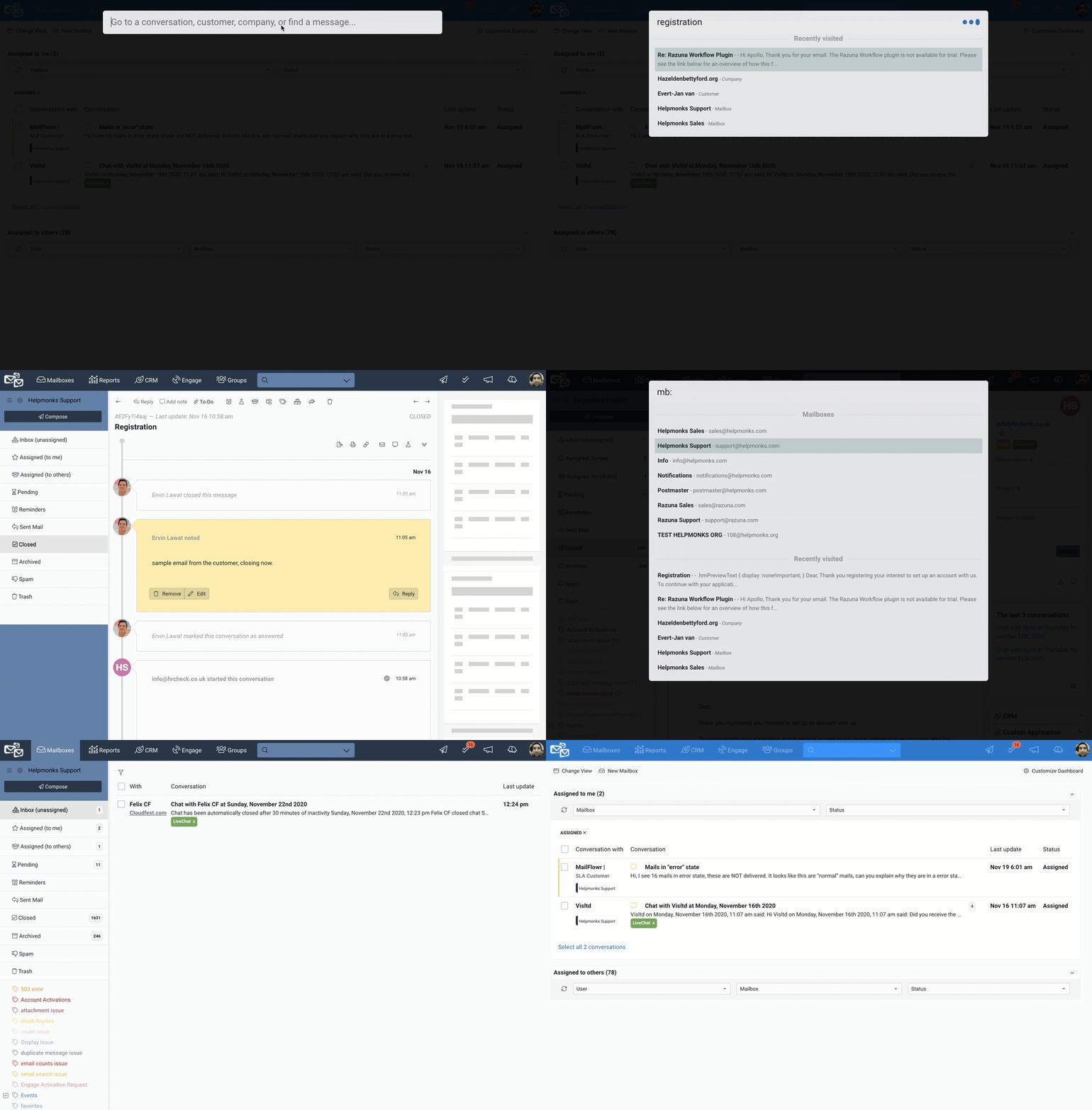
We are excited to introduce the new Jump menu to Helpmonks. With the new Jump menu, you can find anything quickly or go anywhere within your Helpmonks account with ease.

For example, to search for anything, bring up the new Jump menu (with ctrl+/ or cmd+/ on macOS) and start typing. The Jump menu will search in all the conversations and also for any customer or company record. Cycle through the found records with your up/down arrow-key and

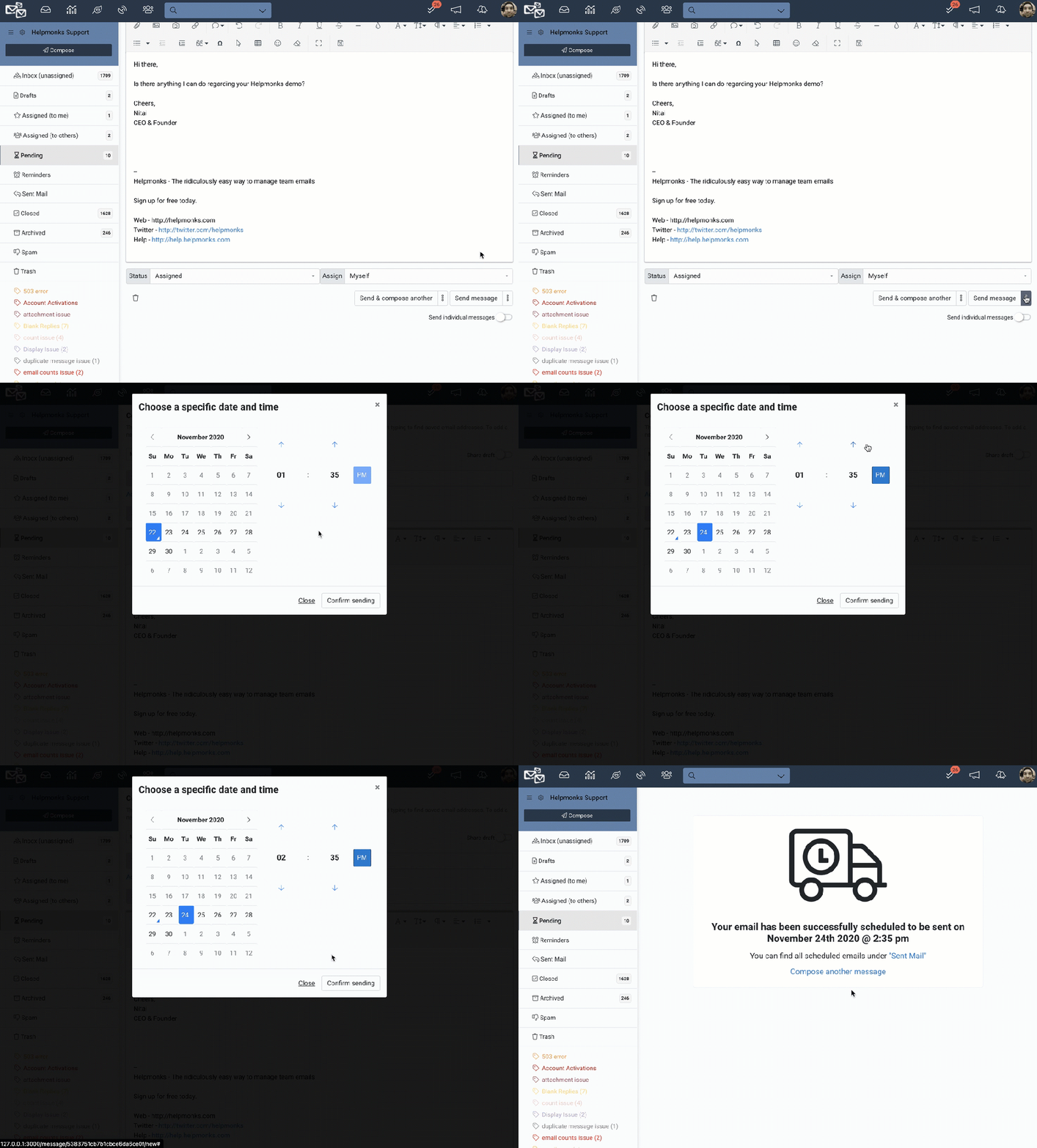
New in Helpmonks: Send later with Schedule send

New in Helpmonks: Send later with Schedule send

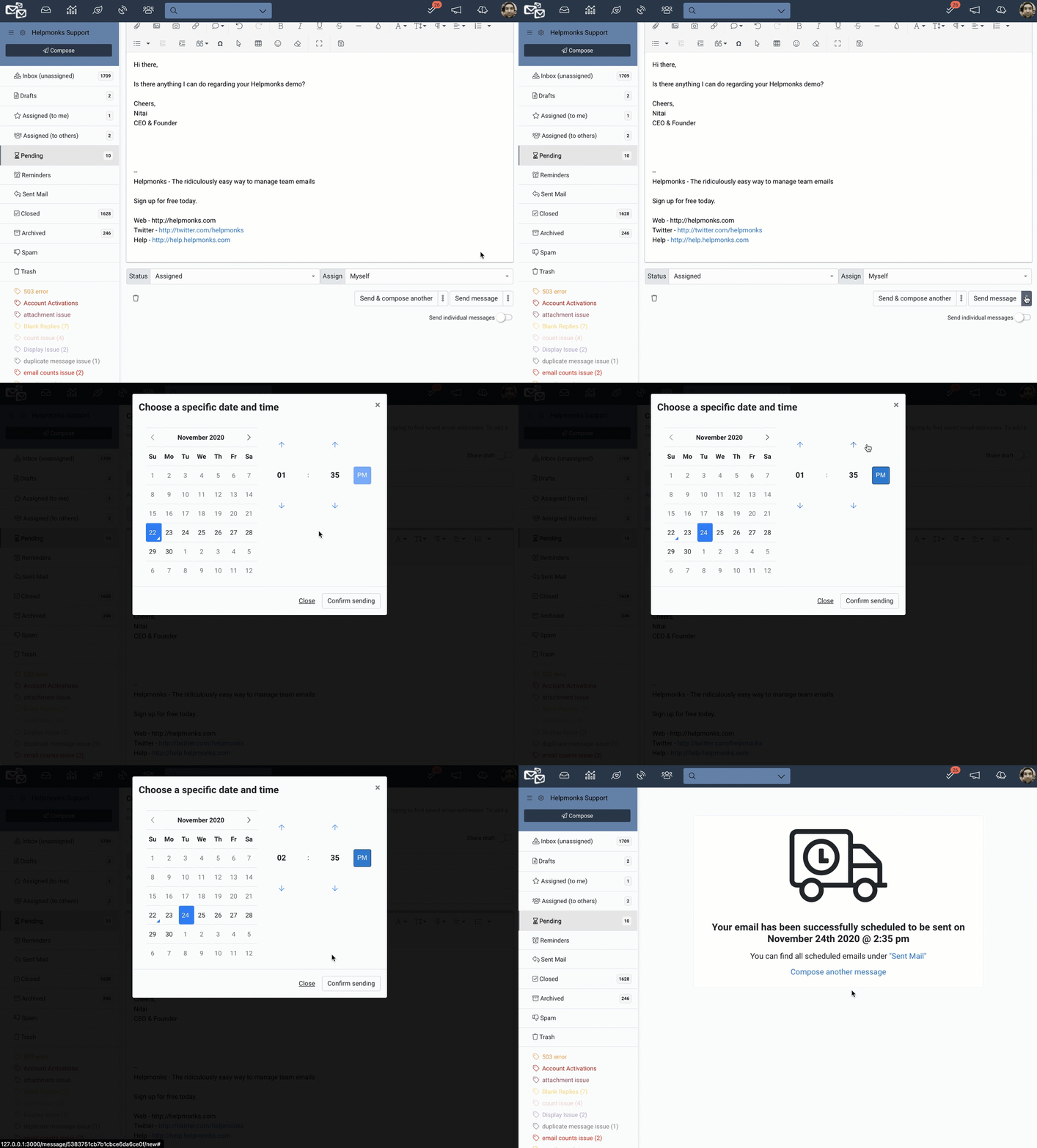
You can now schedule your emails in Helpmonks to be sent at a later date and time. This feature is available to every user in Helpmonks and on every device, be it desktop or mobile.

To schedule an email, write your email as you usually do, then schedule it to be sent at a more appropriate date and time.

Your scheduled emails are found in a new section at the top of your “Sent Mail” folder. There you find your

How to make your emails less intrusive

How to make your emails less intrusive

Emails nowadays are addictive! We tend to check our work emails when we are relaxing at home, and we like to catch up on emails from the night before, the moment we wake up too.

Many people fall to check their emails too often, only to find the emails are either irrelevant, spam, or plain malicious.

Here are a few steps we thought of, so you can take action and stop your email account becoming too intrusive:

Step 1: Block

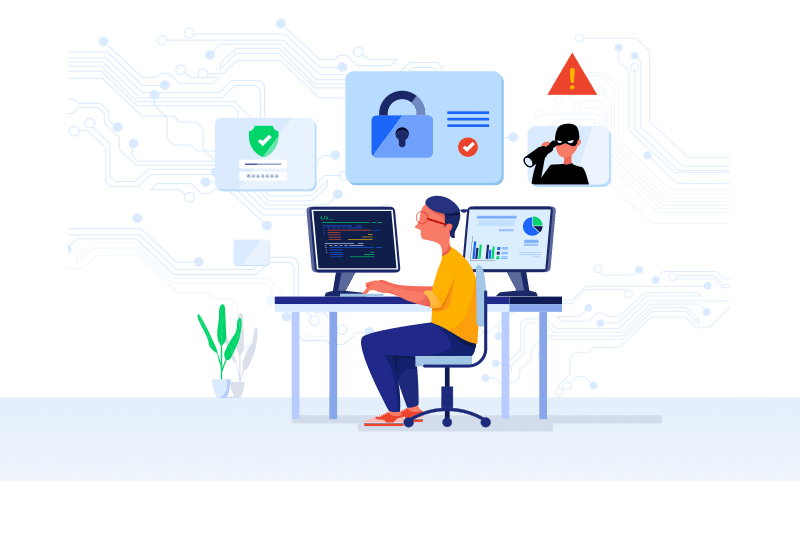
Your security and privacy in Helpmonks

Your security and privacy in Helpmonks

We are excited to announce additional security and privacy features for your Helpmonks account.

In September 2017, we published a blog post about how we secure your emails in Helpmonks and pledged that we never scan emails, sell your data, or do anything mischievous with your data.

I’m happy to report that we not only stayed true to that but since then added many options to secure your account. You have the opportunity to use Single-Sign-On (SSO)

The To-Dos just got more useful

The To-Dos just got more useful

Merely two weeks ago, we released the enhanced To-Dos, and we are already back with some more enhancements. A To-Do description, a new “Upcoming” list, and overall tweaks and improvements are now available.

As with any other tool in Helpmonks, the team here is using it daily, and therefore it’s no wonder that we receive daily suggestions. Some make it, and some don’t. Here are the ones that are now available in your To-Dos today.

How to stay motivated while working from home

How to stay motivated while working from home

Remote work is hard sometimes, let’s face it.

The hardest thing in the world right now feels like trying to concentrate for 6, 7, 8 hours while working from your own home’s comfort. You might be struggling with the difference of having one less monitor, or you might prefer the office environment.

For a little helping hand, here are a few tips to stay motivated while working from home:

Assemble your work environment as if you were working